Guide
How to play
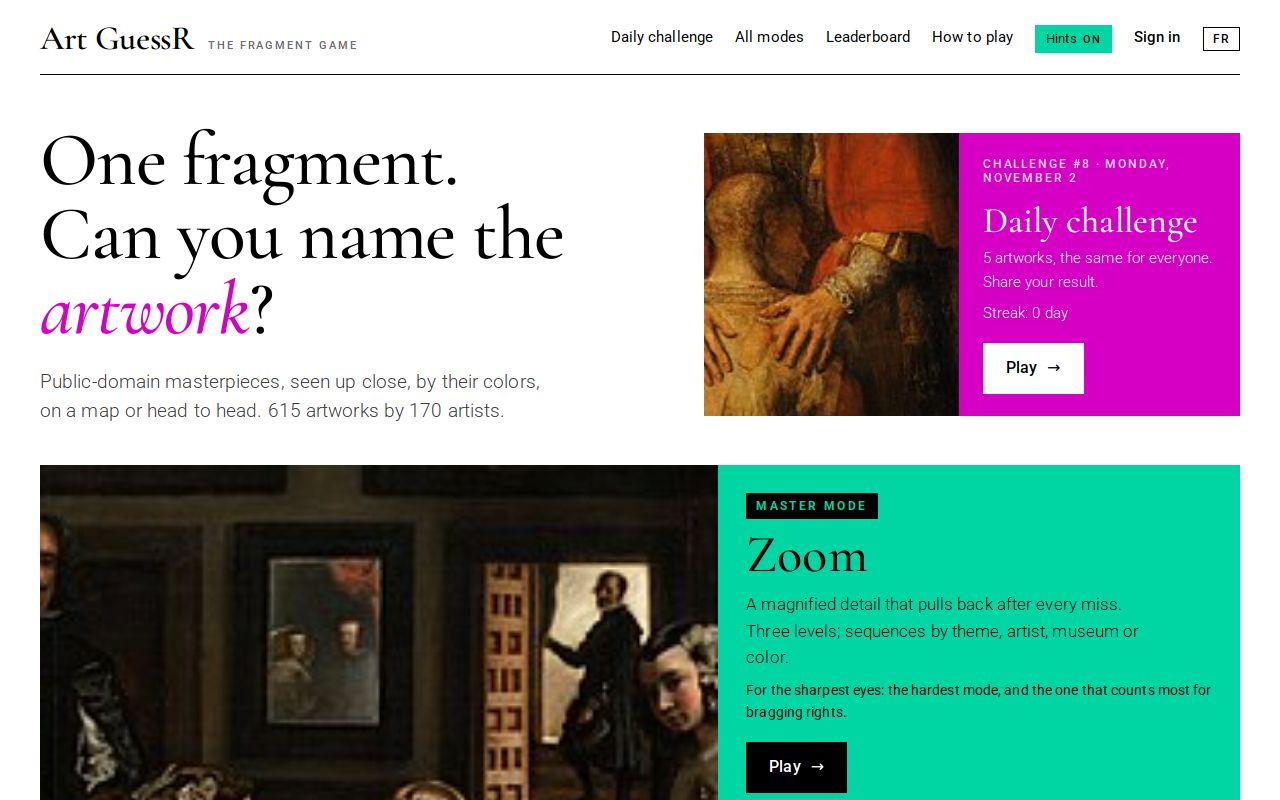
Art GuessR is a game about recognizing public-domain masterpieces: from a zoomed-in fragment, a few colors, a puzzle, a date or a place. Here is every mode, its rules and how points work.
Get started in 30 seconds
- Pick a modeOn the home page, start with the Daily challenge or Paintle: one game a day, the same for everyone.
- AnswerType a title or an artist (suggestions appear as you type), pick one of the choices, or click on the artwork, depending on the mode.
- Climb the leaderboardCreate a free account with a username: your best scores go into the overall leaderboard.
One game a day
Daily challenge
Name 5 artworks from a zoomed-in detail. The same 5 artworks for everyone, all day.
How to play
- Each artwork starts zoomed ×8 on a detail.
- Type a title or an artist: one right answer is enough.
- Each miss (or the “Pull the zoom back” button) shows more of the artwork, down to the whole picture.
- At the end, share your grid of squares with your friends.
Points
1,000 points if you find it at ×8, then 750, 500, 300 and 150. Up to 5,000 a day. Only your first try of the day counts in the leaderboard.
Beginner With Hints on, up to 3 hints per artwork: era and country, first letter and length, then the name with hidden letters (−100 points each).
Play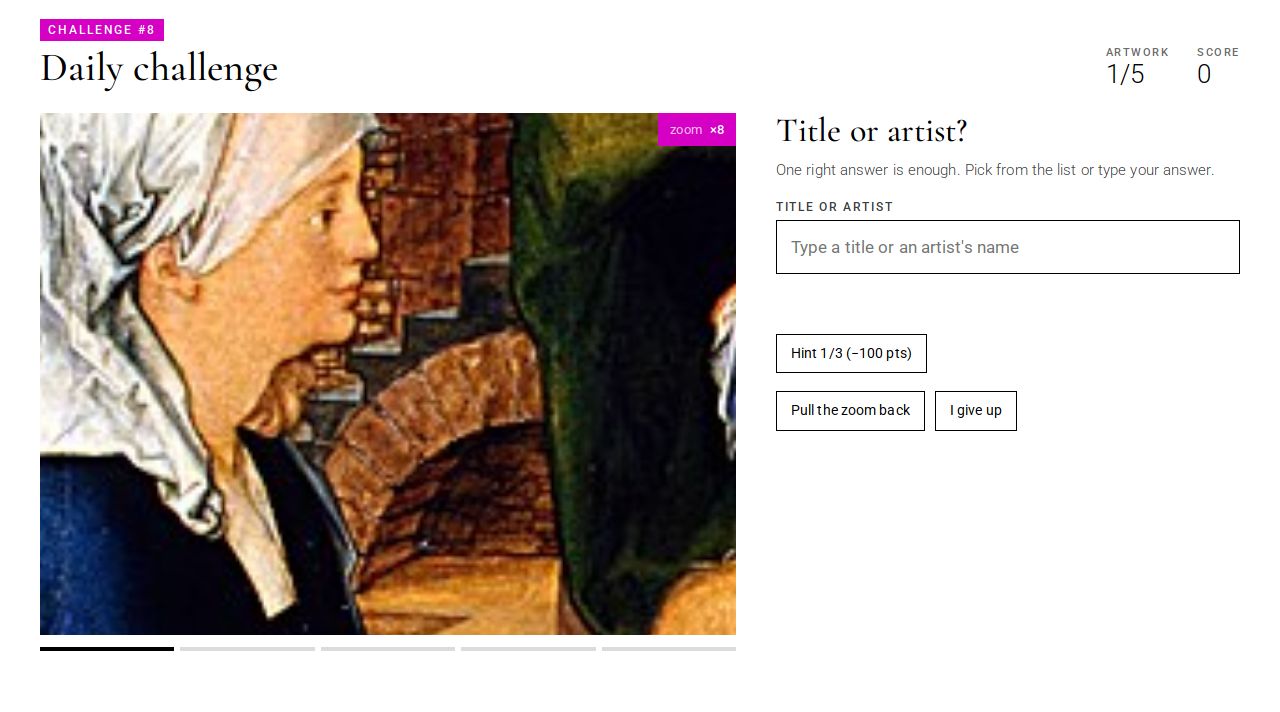
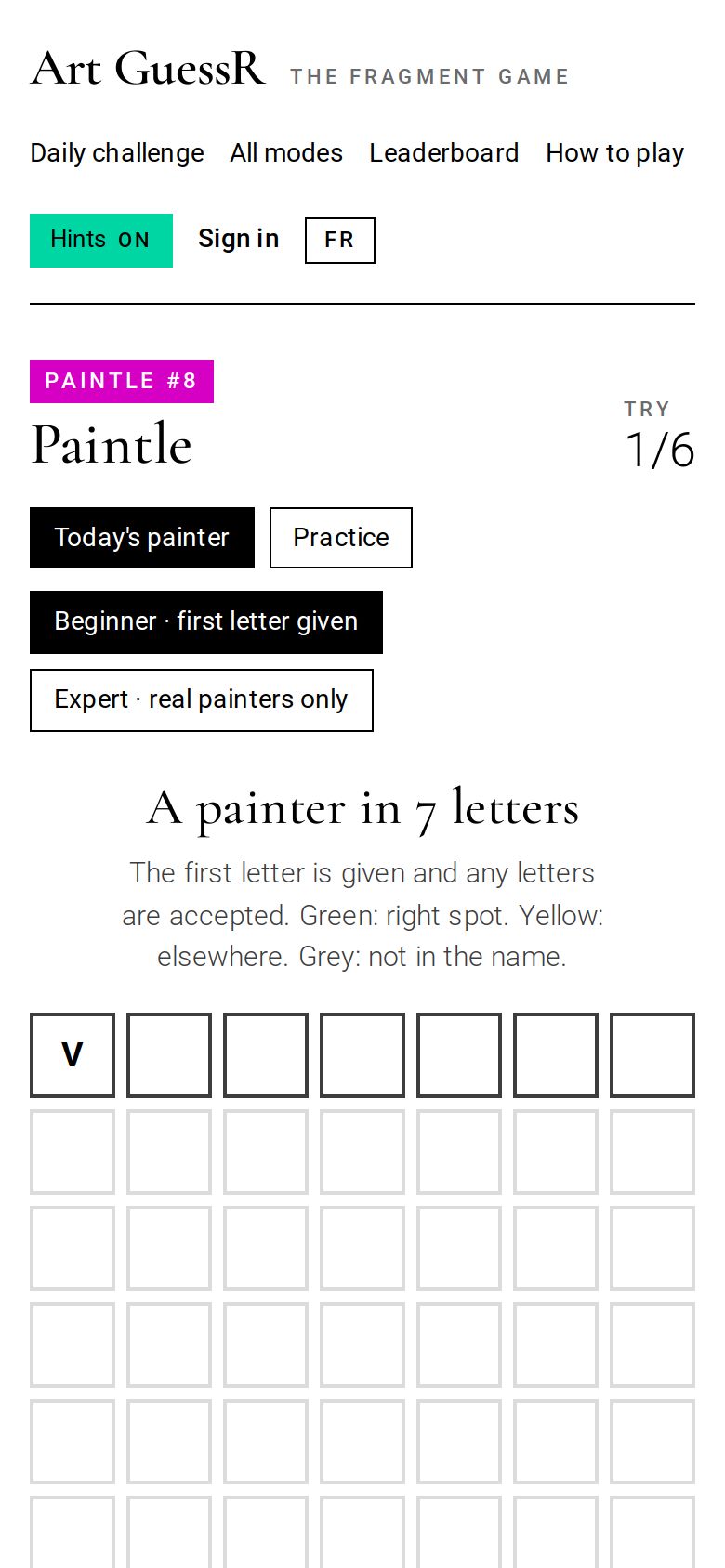
Paintle
The painters' Wordle: find the painter's name in 6 tries.
How to play
- The number of squares gives the length of the name (MONET, KLIMT, VANGOGH…). Accents don't count.
- Type a name and press Enter. Green right letter, right spot. Yellow the letter is elsewhere in the name. Grey not in the name.
- After 2 misses, one of the painter's works appears, blurred at first, sharper with every miss.
- Today's painter is the same for everyone and can be shared. Practice gives you unlimited painters.
Points
600 points in 1 try, then 500, 400, 300, 200, 100. Only today's painter counts in the leaderboard, once a day.
Beginner Beginner level: the first letter is given and any letters are accepted (half the points). Expert: only real painters' names are accepted.
Play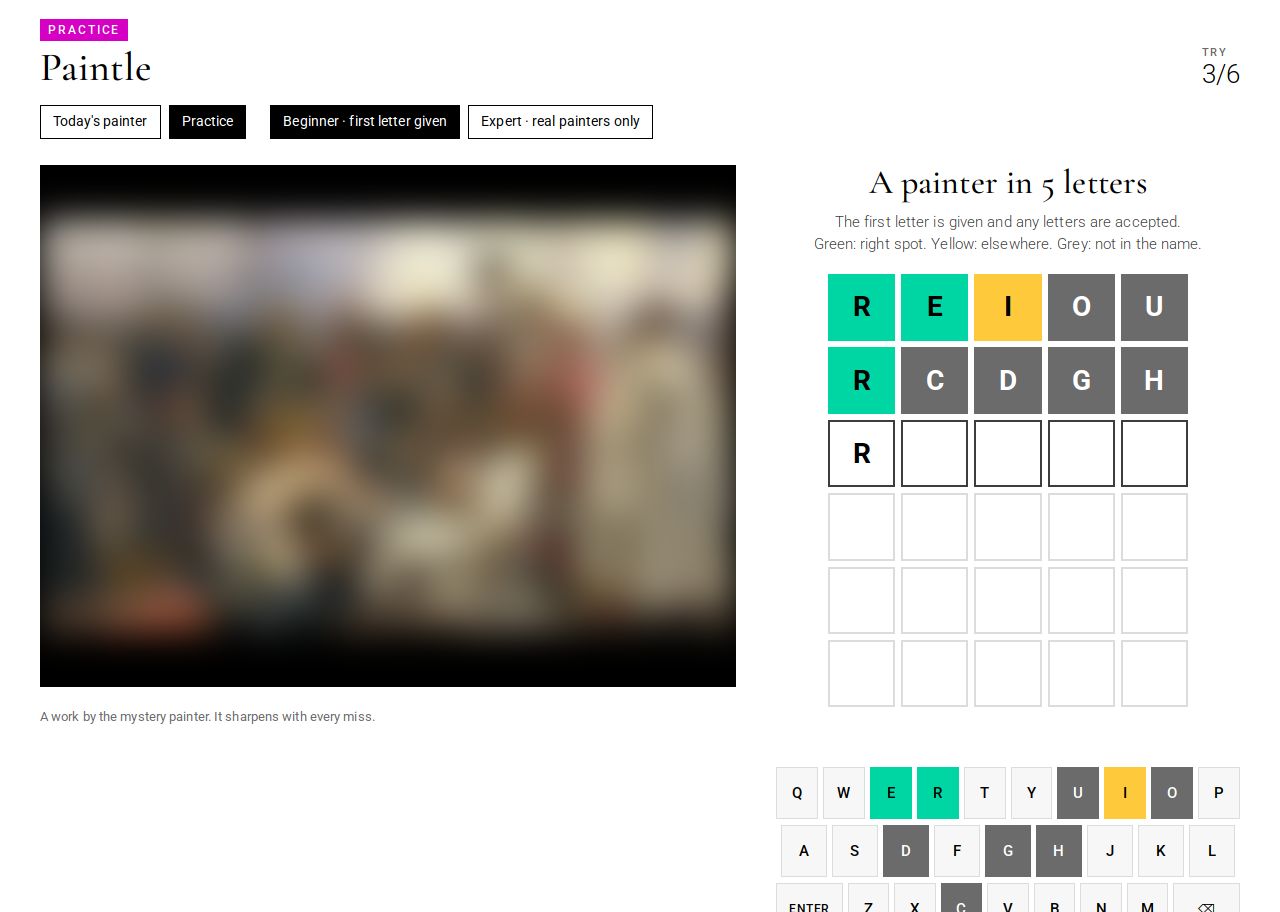
Master mode
Zoom (master mode)
The hardest mode: recognize an artwork from a tiny magnified detail, over a sequence of 20 artworks.
How to play
- Choose a level: Easy (4 choices, starts at ×3), Medium (title or artist, starts at ×5) or Pro (title and artist, starts at ×8).
- Choose a sequence: random, by theme, by artist, by museum or by dominant color.
- Each miss pulls the zoom back: ×8, ×5, ×3, ×1.8, then the whole artwork.
- The museum label appears at the end of each artwork, with the Wikimedia Commons photo credit.
Points
1,000 points at ×8, 750 at ×5, 500 at ×3, 300 at ×1.8, 150 on the whole artwork. In Pro, finding only the title or the artist gives 100 points. Random 20-artwork sequences count in the leaderboard.
Beginner Easy level: 4 choices and paid hints (era, movement, place, initials). Medium: the 3 beginner hints.
Play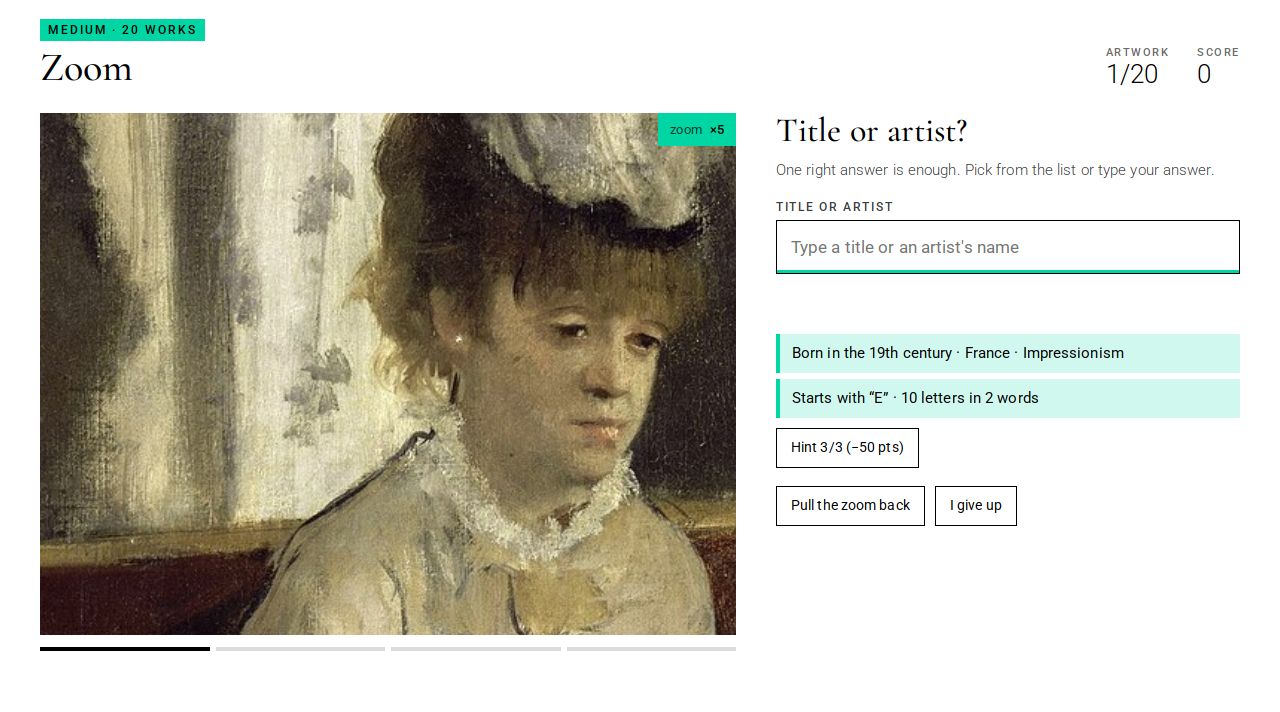
Name the artwork or the artist
Name the painter
Find the artist from their works. Each miss reveals another of their paintings.
How to play
- One work is shown; the next ones stay hidden.
- Type an artist's name (or pick one of the 4 choices in Beginner).
- A wrong answer reveals another work by the same artist: use them to compare styles.
- 5 artists per game.
Points
Expert: 400, 300, 200 or 100 points depending on the number of tries (−50 per hint). Beginner: 200, 100 or 50, 3 tries.
Beginner Beginner · 4 choices: each name comes with the artist's dates and country. The score is marked “Beginner” in the leaderboard.
Play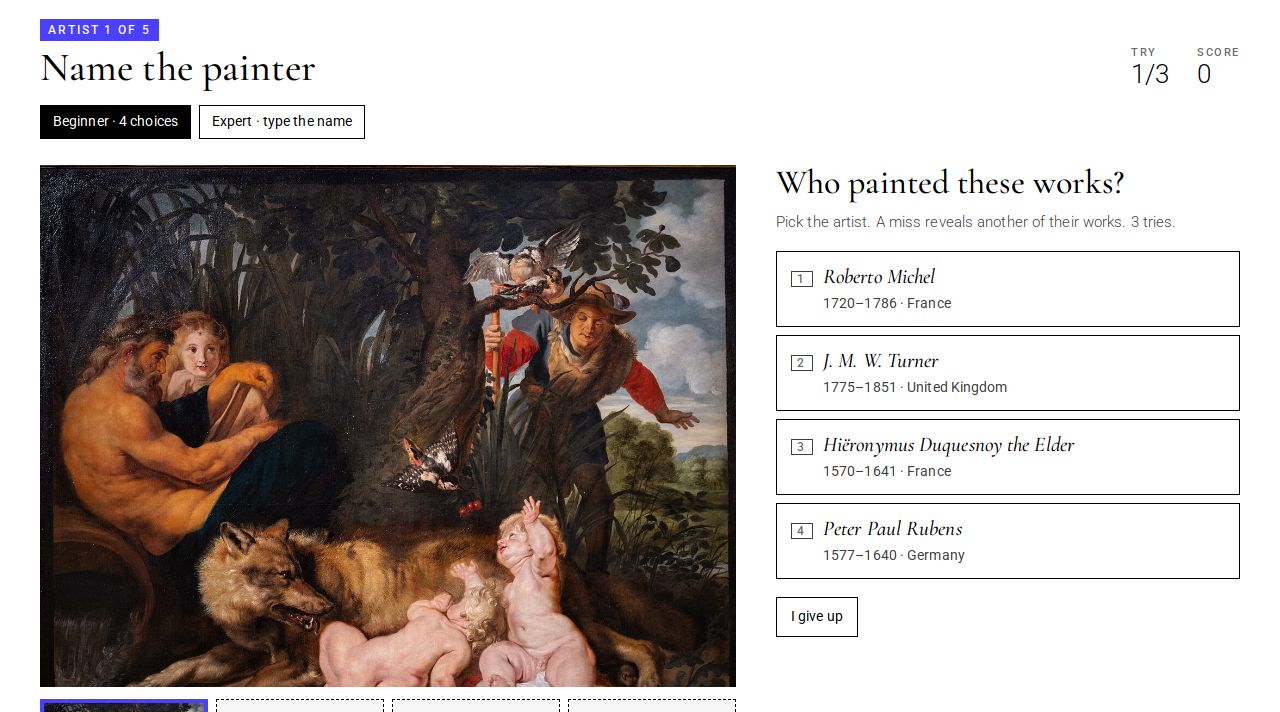
Inquiry
Find the mystery artist behind a blurred artwork, by comparing your guesses.
How to play
- Guess an artist: a row shows whether the mystery artist was born earlier ▲ or later ▼, and whether they share the country, the movement or a museum.
- Green cells are matches.
- The artwork gets sharper with every guess.
- 5 mystery artists per game.
Points
Expert: 6 tries, from 600 points (first try) down to 100. Beginner: 3 tries, 300, 200 or 100.
Beginner Beginner · 4 choices: pick among 4 artists; each wrong pick still fills the comparison table.
Play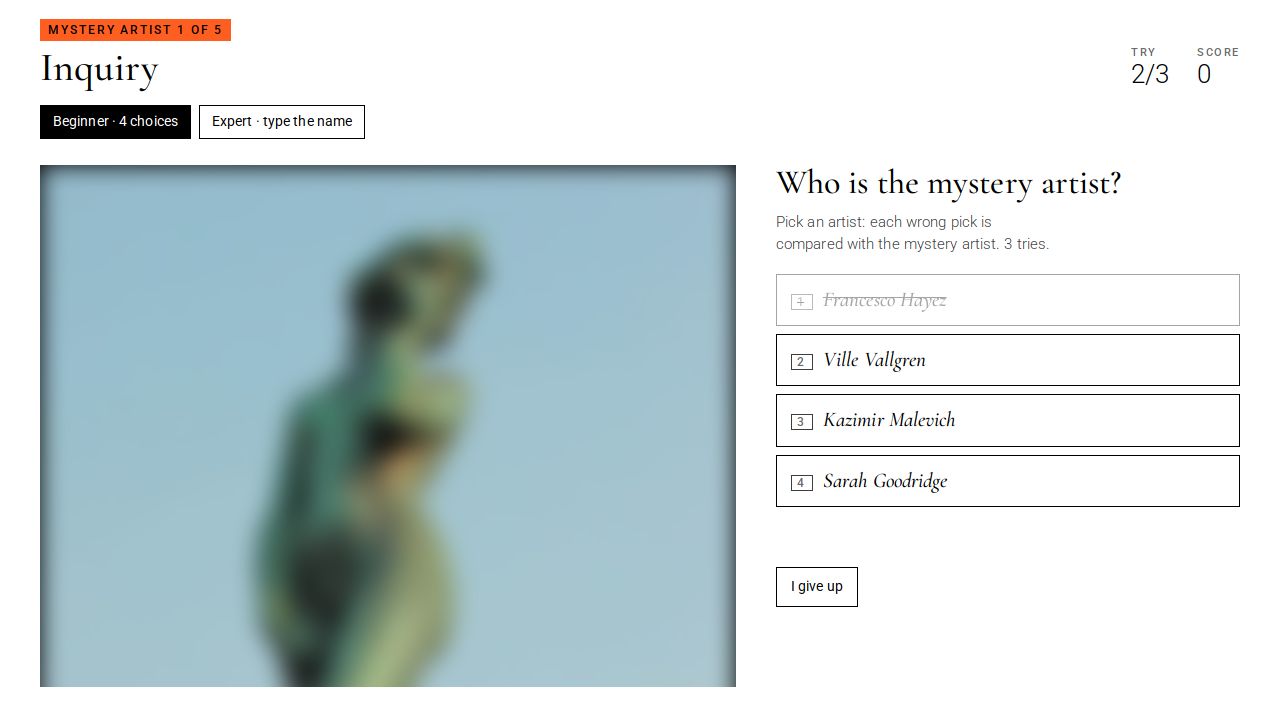
Pixel reveal
The artwork hides under 80 tiles. Uncover as few as you can, then name it.
How to play
- Click the tiles you want to open, wherever you think the clues are.
- When you think you know, type the title or the artist (or pick one of the 4 choices).
- A wrong answer opens 4 more tiles at random.
- The counter at the top shows what your answer is worth right now.
Points
1,000 points with no tile open, decreasing with each tile (at least 50 if you find it). 5 artworks, up to 5,000.
Beginner Beginner · 4 choices: half the points.
Play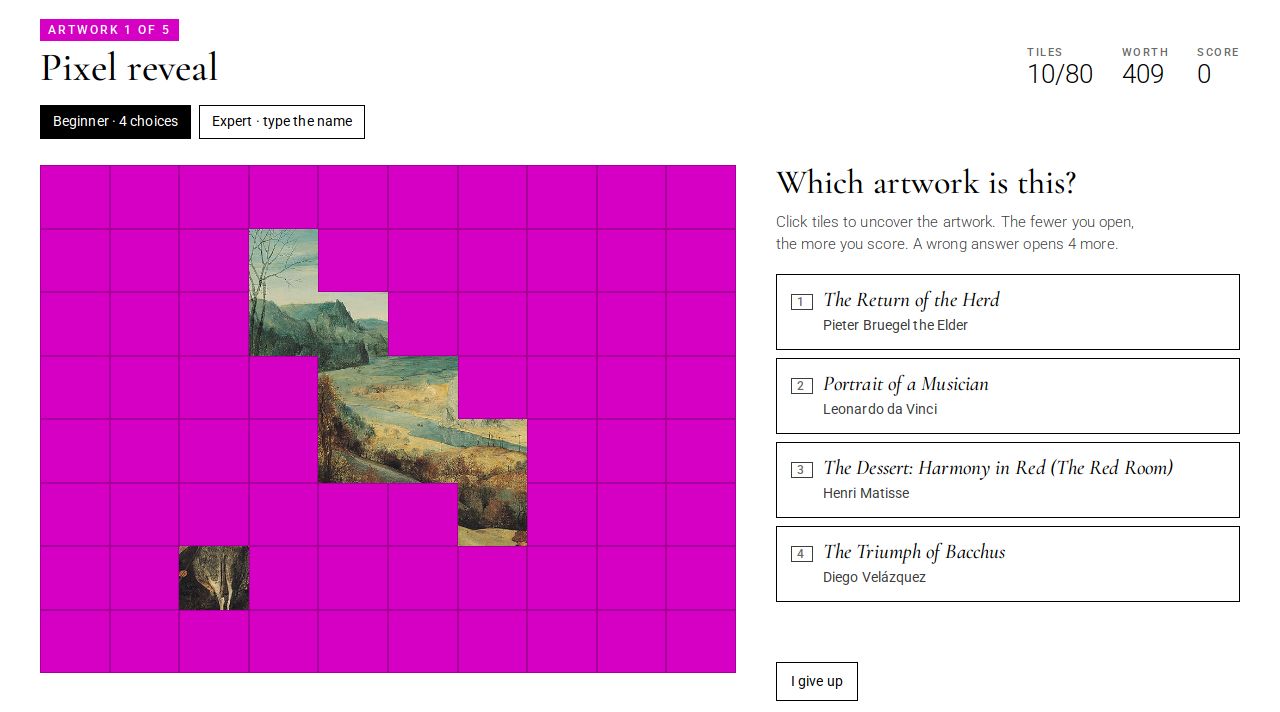
Puzzle
The artwork is cut into 16 shuffled pieces. Put it back together, and name it early for a bonus.
How to play
- Tap two pieces to swap them (or drag one onto the other with a mouse).
- A piece in the right place locks in, with a green outline.
- At any time, name the artwork: the earlier you find it, the bigger the bonus.
- Then finish the puzzle.
Points
Up to 500 points for the puzzle (full points with the fewest moves possible), plus up to 500 for naming it early. 5 artworks.
Beginner Beginner · 4 choices: 1 try to name it, half the bonus. Expert: type the answer, 3 tries.
Play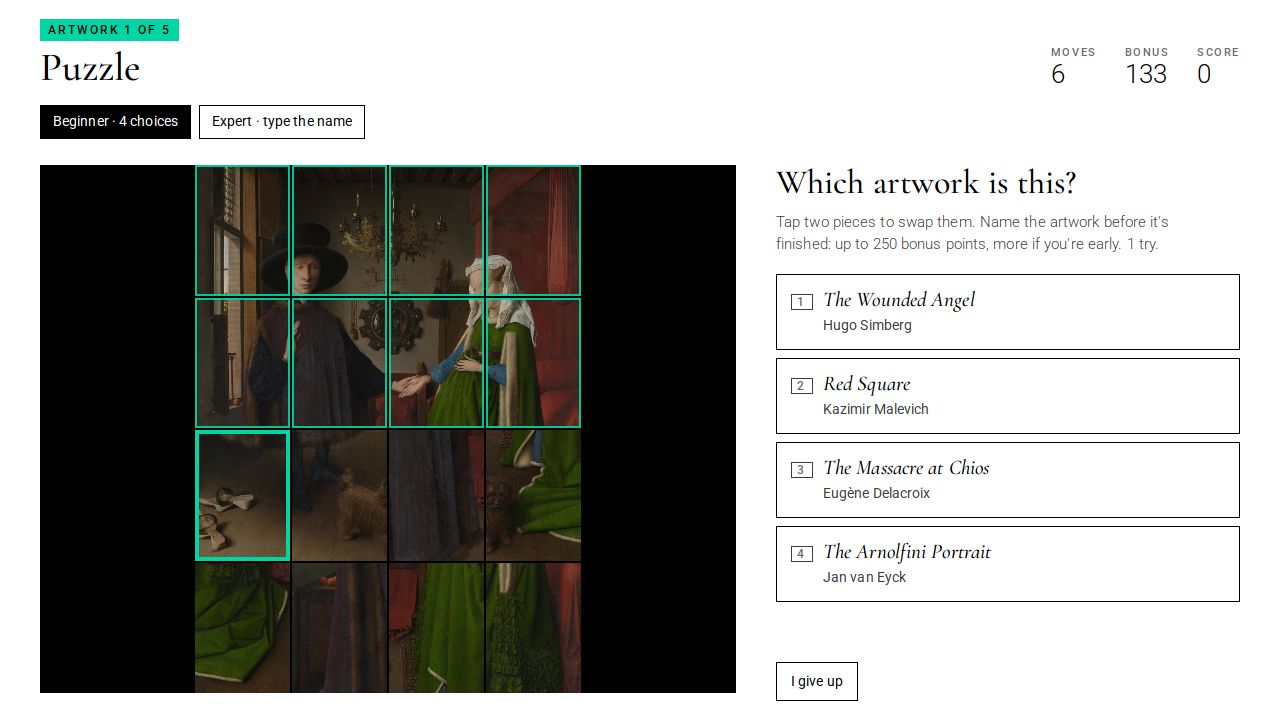
Palette
Only the artwork's five main colors are shown, in proportion. Which artwork is it?
How to play
- Look at the color bands: width shows how much of each color the artwork has.
- Pick among 4 artworks.
- 10 palettes per game.
Points
300 points on the first try, 100 on the second.
Play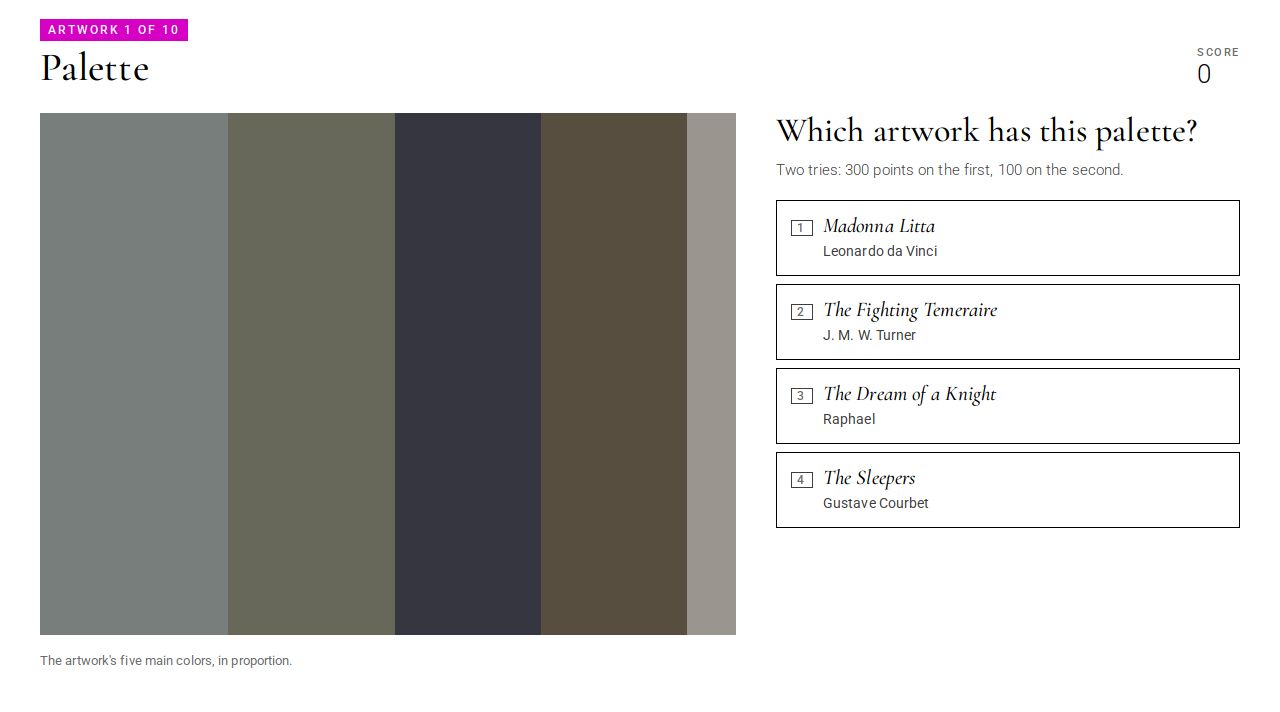
Quick games
True or false
60 seconds: an artwork and a name. Is it really by that artist?
How to play
- Press Start the clock, then answer as fast as you can.
- Keyboard: ← false, → true.
- A wrong answer costs 3 seconds and shows the right artist.
- Your mistakes are listed at the end, to learn from them.
Points
1 point per right answer. In the leaderboard, 40 right answers are worth the full 1,000 points.
Play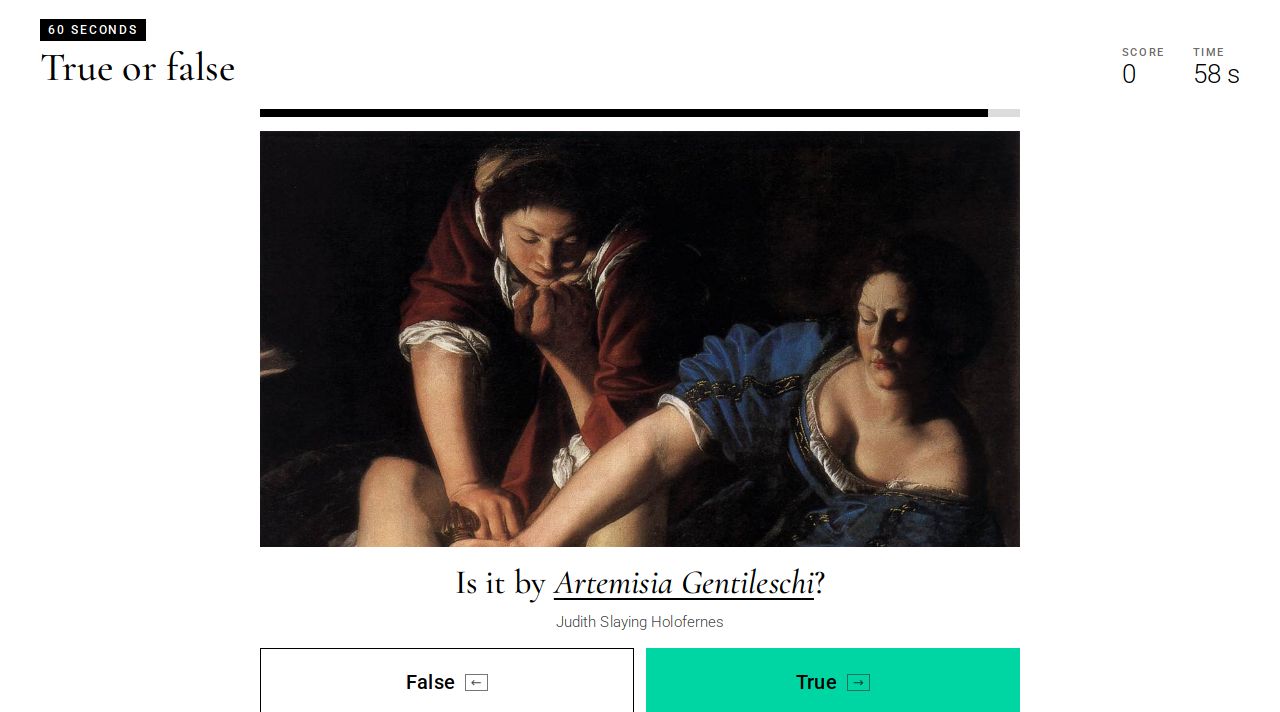
Odd one out
Four artworks, three by the same artist. Find the intruder.
How to play
- Click the artwork that isn't by the same hand.
- The intruder often comes from the same movement: look at the brushwork, the colors, the subjects.
- 10 rounds.
Points
100 points per intruder found, up to 1,000.
Play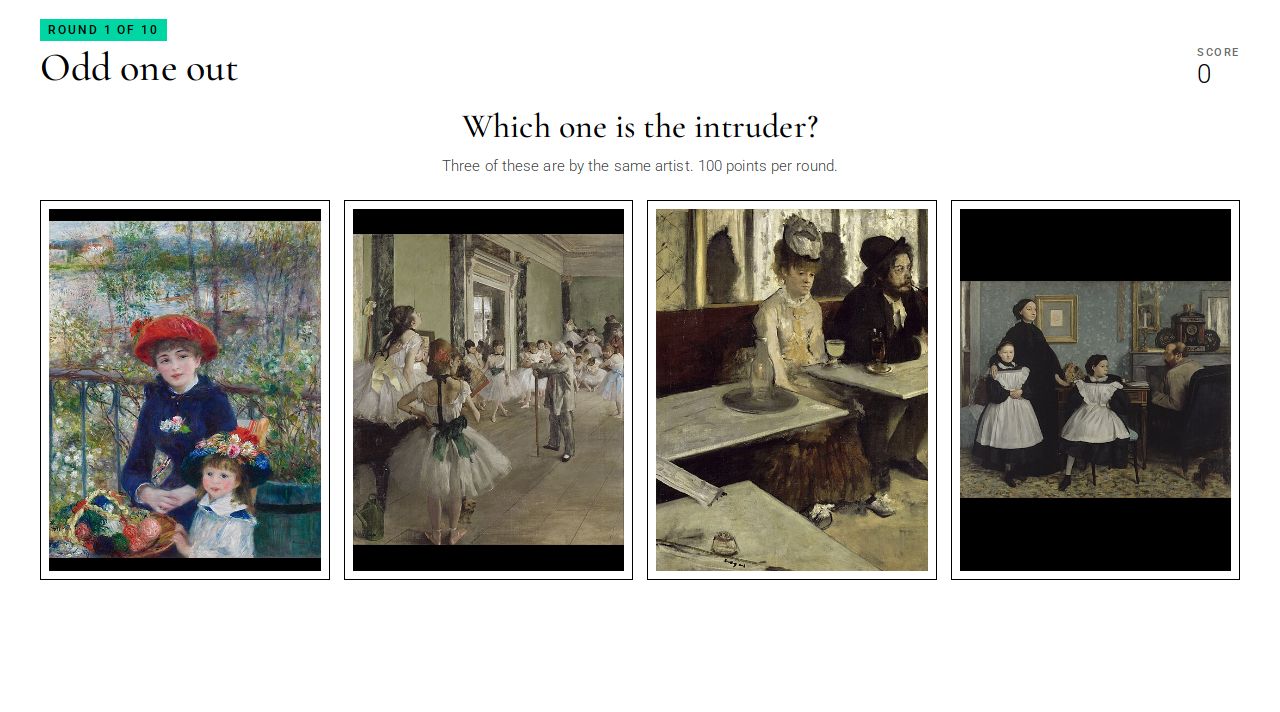
Match up
Four artworks, four artists: link each painting to its painter.
How to play
- Tap a name, then the artwork it goes with.
- Tap a linked artwork to undo. The last pair links itself.
- Press Check: right pairs turn green.
- 5 rounds.
Points
100 points per right pair, up to 2,000.
Play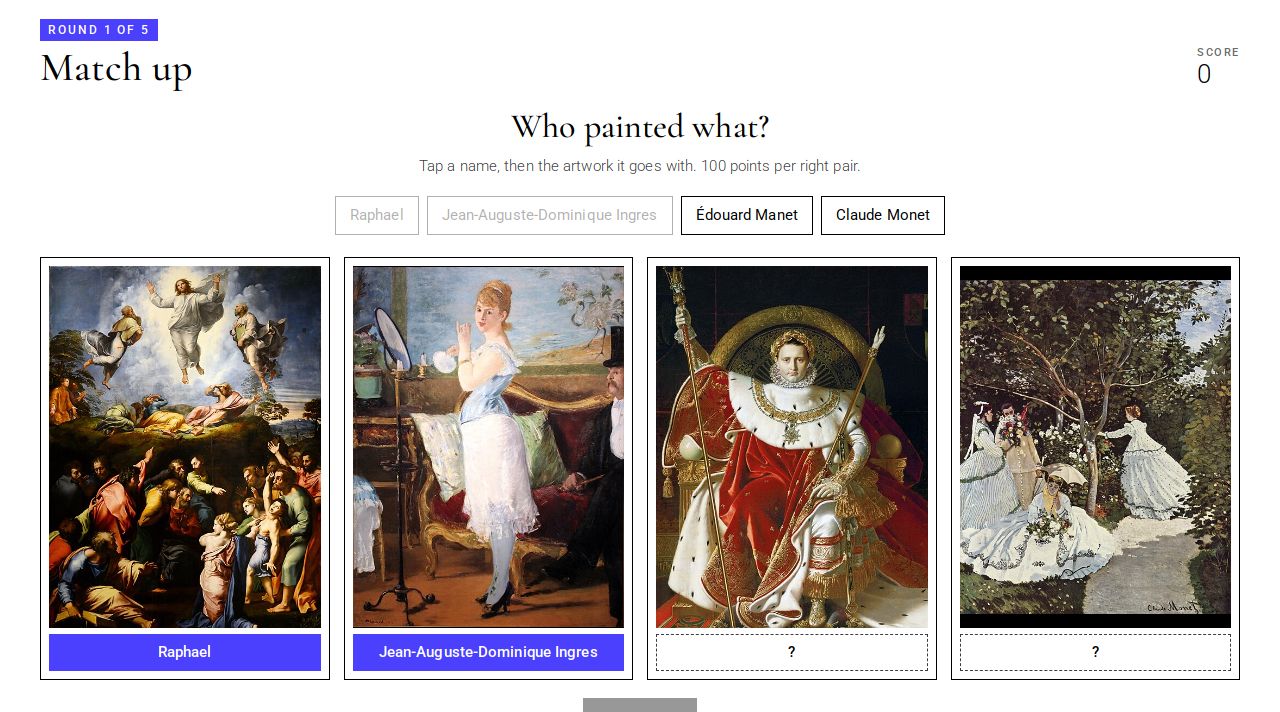
Duels
Two artworks: which one is the newest, the biggest or the most famous?
How to play
- Choose the duel: The newest, The biggest (with a to-scale drawing next to a 1.70 m person) or The most famous (number of Wikipedia articles).
- The right answer stays in play against a new artwork.
- One mistake ends the run.
Points
Your score is your streak of right answers. In the leaderboard, a streak of 30 is worth the full 1,000 points.
Play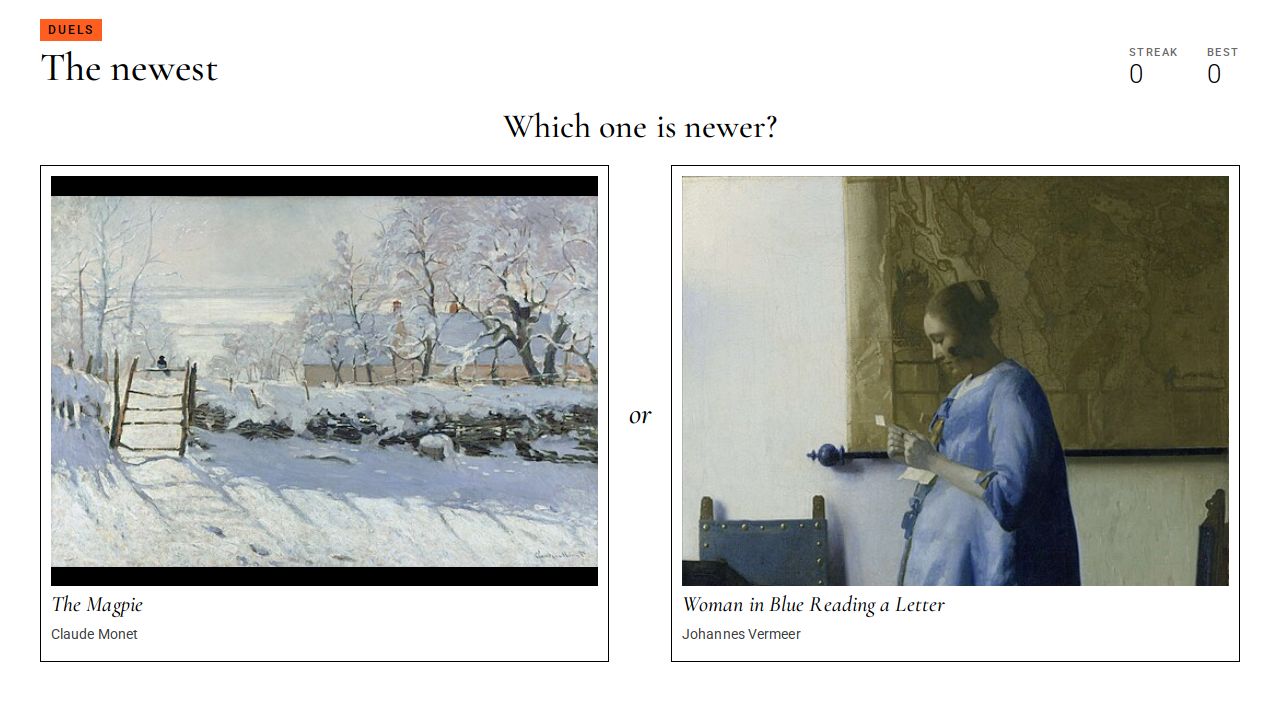
Time and place
Timeline
Put five artworks in order, from the oldest to the newest.
How to play
- Drag the artworks, or use the ↑ ↓ arrows (handy on a phone).
- Press Check the order: the dates appear, right places in green.
- 5 rounds.
Points
Points for every pair in the right order: 1,000 for a perfect order. Up to 5,000.
Play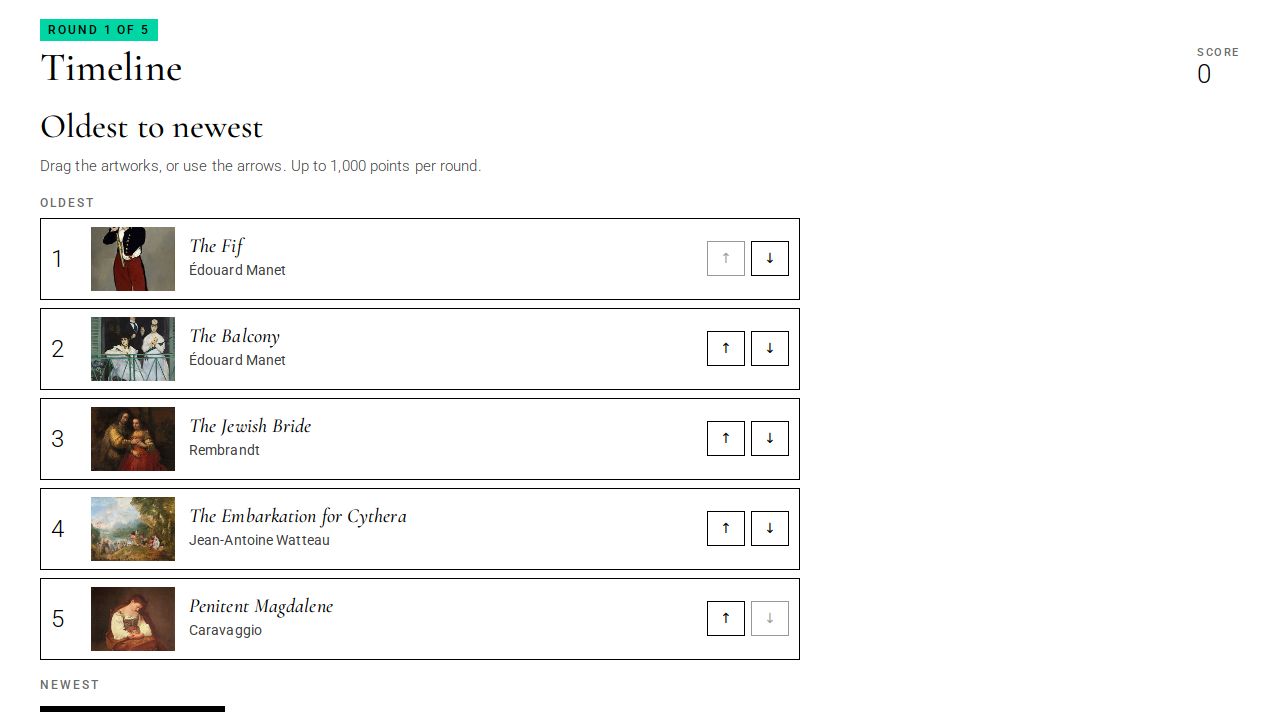
Map
Where does the artwork hang today? Drop a pin on the museum's city.
How to play
- Click the world map to place your pin, zoom in if needed, then press Submit.
- The museum and the distance appear.
- 5 artworks.
Points
Up to 5,000 points per artwork: the closer, the more points (about 2,500 at 1,000 km).
Play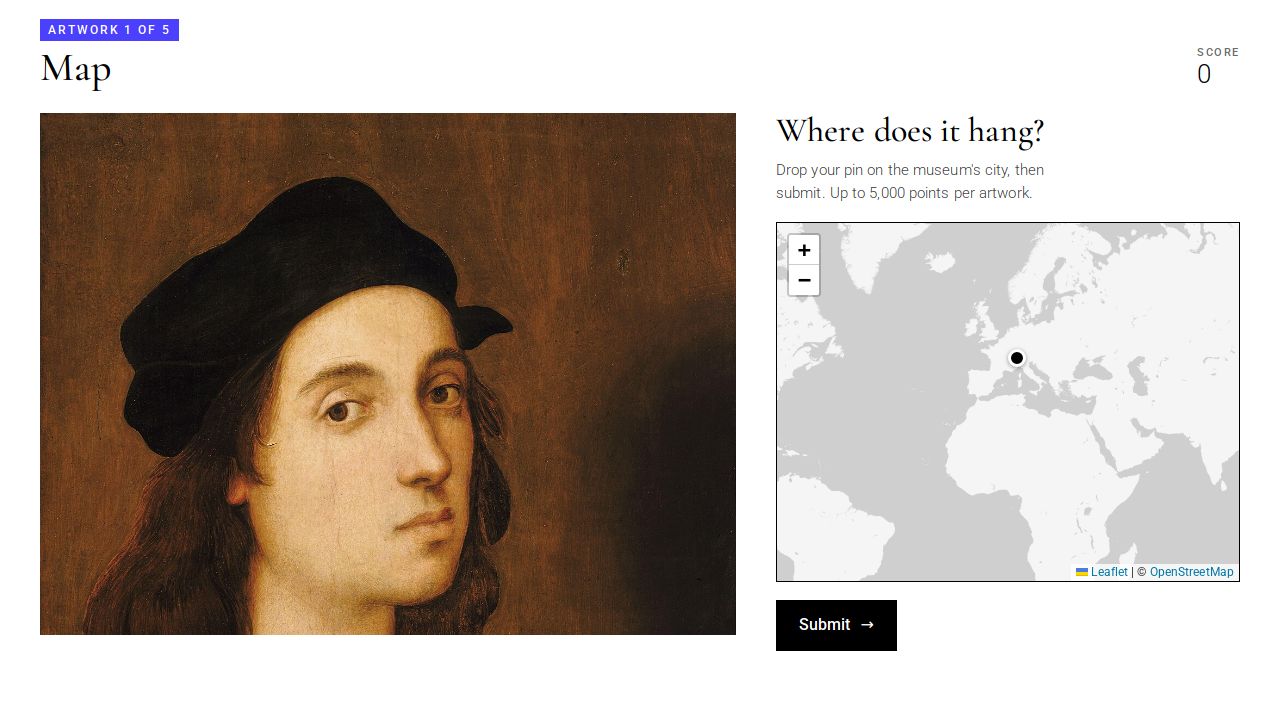
Year
When was it made? Set the year on the timeline.
How to play
- Move the slider (from 1300 to 2000), or use the ±10 and ±1 buttons for precision.
- Press Submit.
- 5 artworks.
Points
5,000 points if you land within the artwork's dates, fewer the further away you are.
Play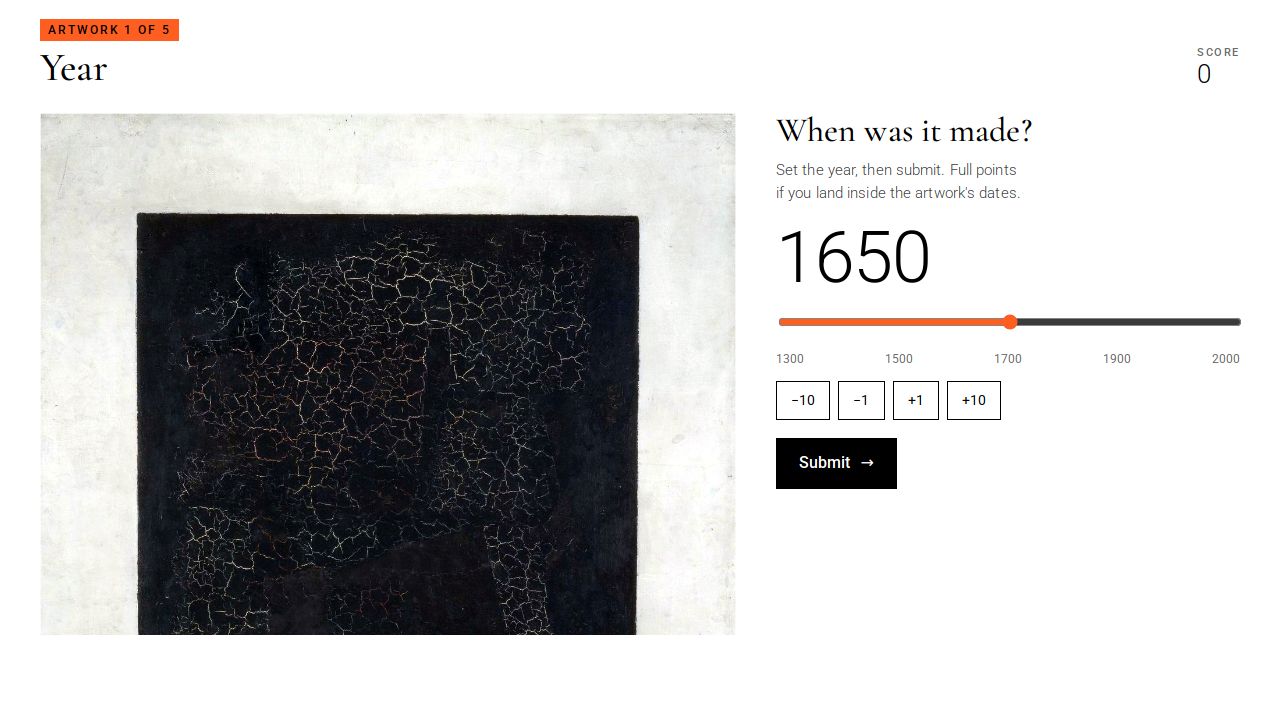
Beginner mode and hints
The Hints button in the menu (ON by default) adds up to 3 hints in the modes where you type a name: era and country, then the first letter and the length, then the name with hidden letters. Each hint costs points. Switch it OFF to hide them.
Name the painter, Inquiry, Pixel reveal and Puzzle have a Beginner · 4 choices level, and Paintle has its own beginner level. The game remembers your choice for each mode.
Scores made with hints or at a beginner level get fewer points and a Beginner badge in the leaderboard, with a ° next to the score concerned.
Account and leaderboard
Create an account with a username (3 to 20 letters, numbers or _), an email and a password. Confirm it with the link you receive by email.
There is one overall leaderboard: each mode is worth up to 1,000 points (your best score in it, scaled to 1,000). Your total adds up all the modes you have played, so trying every mode pays off.
Three periods: today, this week and all time. The Daily challenge and today's Paintle count once a day.
Without an account, your best scores are kept on your device, and today's scores are sent when you sign in.
Tips
- Typing a few letters is enough: suggestions appear, in English and in French.
- With multiple choices, the 1 to 4 keys answer.
- Switch language with the FR / EN button in the menu.
- All the artworks are in the public domain. Images come from Wikimedia Commons; the photo credit is shown after each artwork.